An informal performer reveal
Let a familiar room make the introduction feel personal and approachable.


HIGGFIELD MOTION GUIDE
Loading history…
Use Dime Dime Baby AI to develop a short party performance from one photo. The scene moves from an easy dance with a sweet bun to a bite, a direct camera look and a turn away. Start with a clear person image and a simple room idea; the demonstration is visual guidance, not a fixed video input.
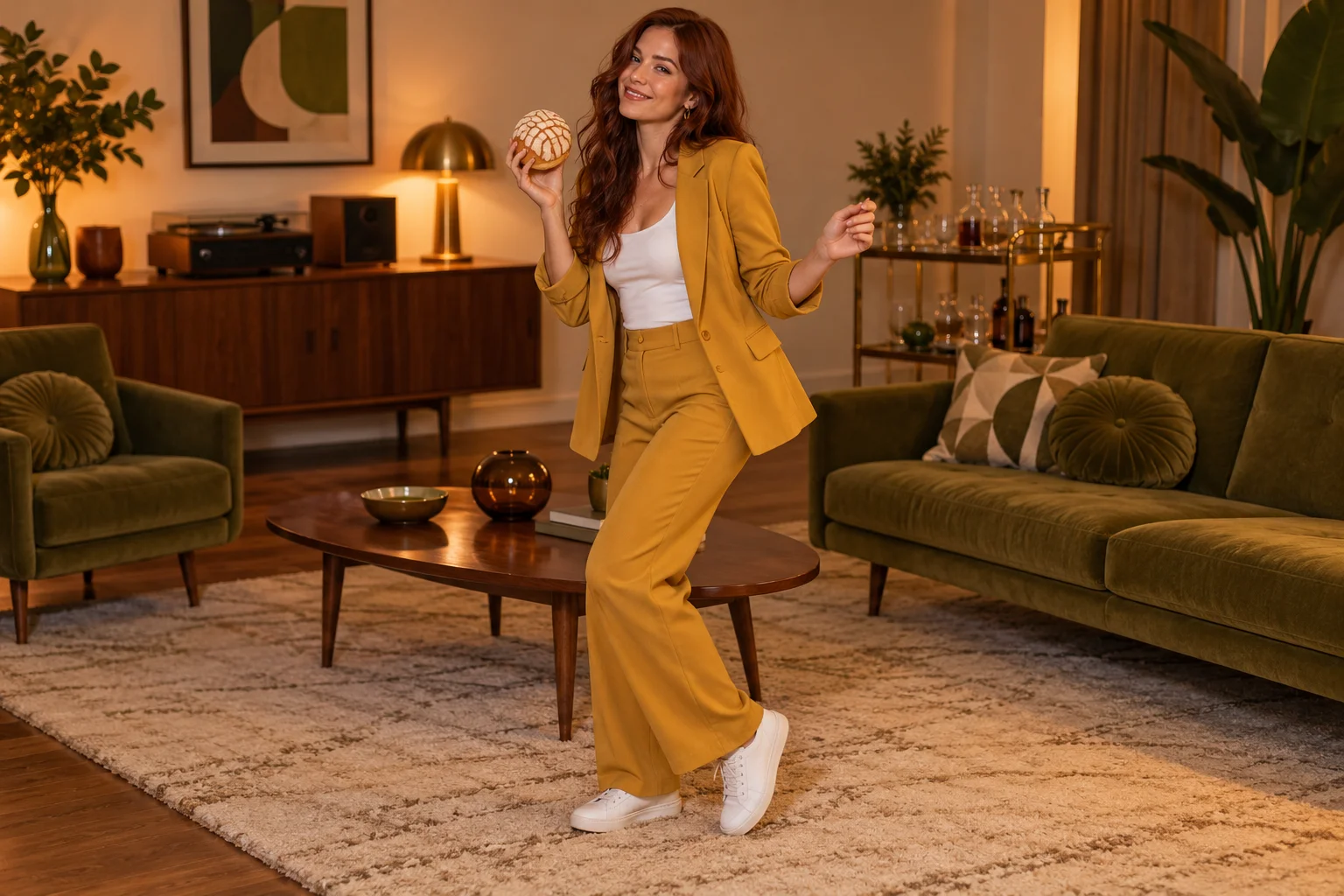
A living room can make the performance feel informal. One person, one handheld prop and a few recognizable pieces of furniture are enough to establish a party moment. The mustard suit in this concept adds contrast against olive upholstery without demanding a busy crowd.
Treat the camera look as the main change in the scene. The preceding dance creates an expectation; the sudden stillness interrupts it. Give that contrast time to read instead of filling every moment with movement. The point is a short character performance, not a complicated group routine.
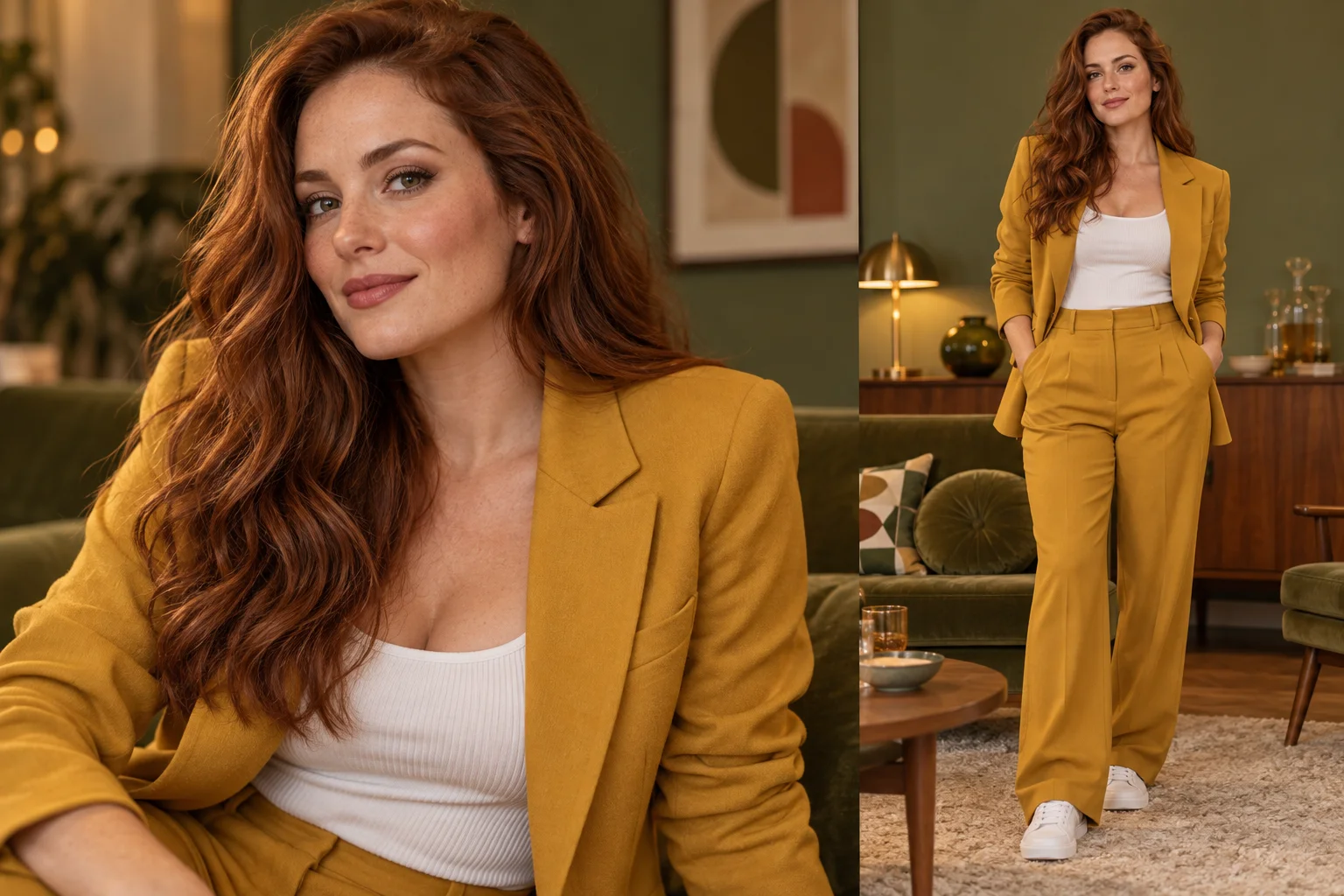
Choose a well-lit photograph where one face is easy to identify. Clothing should remain visible if you want the model to carry it into the scene. A wider view can communicate body proportions, while a face-only image leaves the rest of the appearance less constrained.
The upload is an identity reference, not proof that the person can perform the movement. You do not need a photo of a real dance or bread bite. Avoid several people, heavy face filters or a foreground object covering the mouth, because the later reaction depends on those facial details.
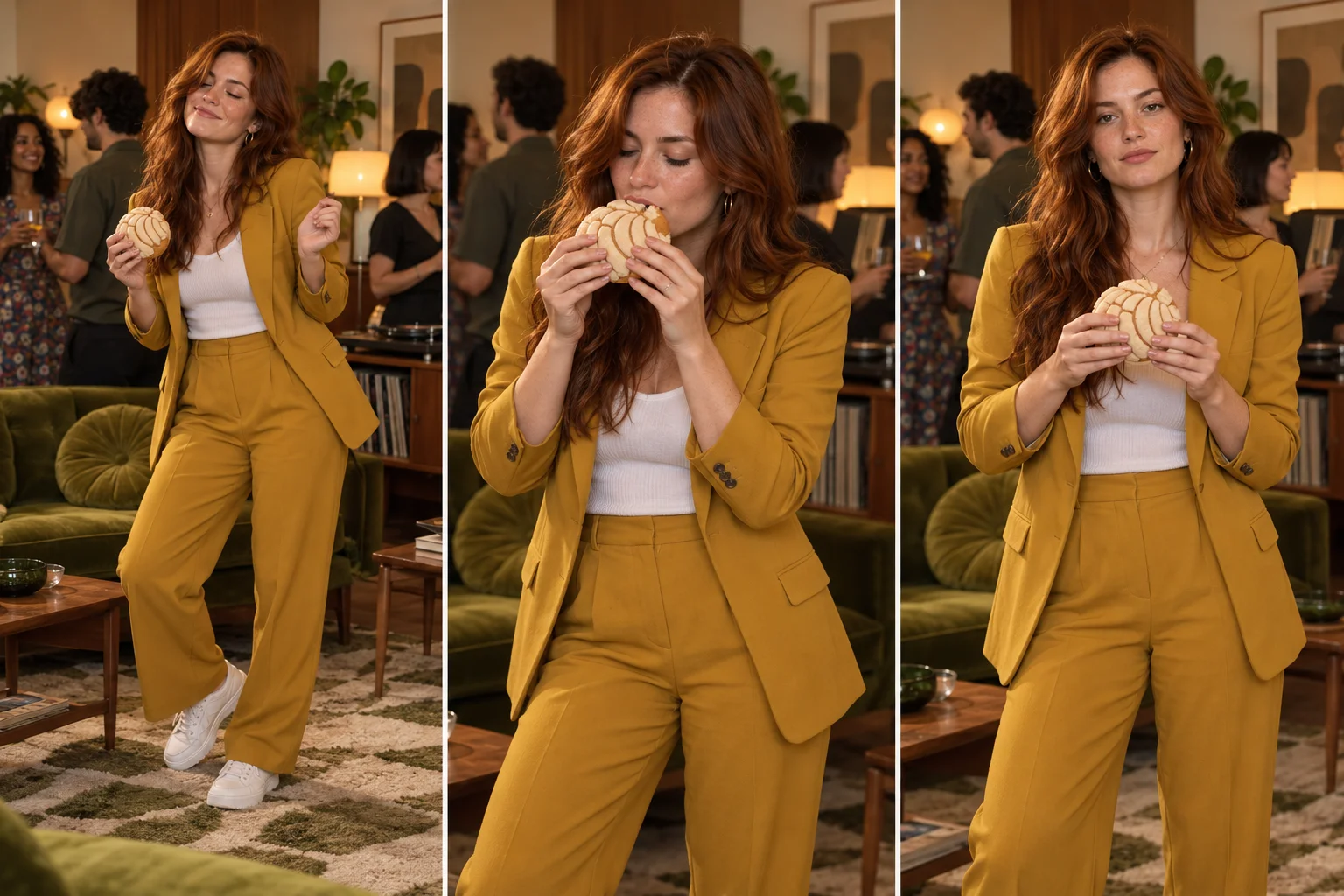
Try: “A quiet mid-century living-room party, mustard suit, warm lamps and a steady full-body camera.” This gives the performance a place and a visual treatment. Keep the note compatible with the supplied written action rather than replacing it with a different stunt.
Leave enough space between furniture and the performer for the turn away. A crowded room, rapid zooms and multiple dancing guests can distract from the lead. The demo video helps you understand the sequence but is not transmitted to the generation model, so do not expect its exact timing or camera path.
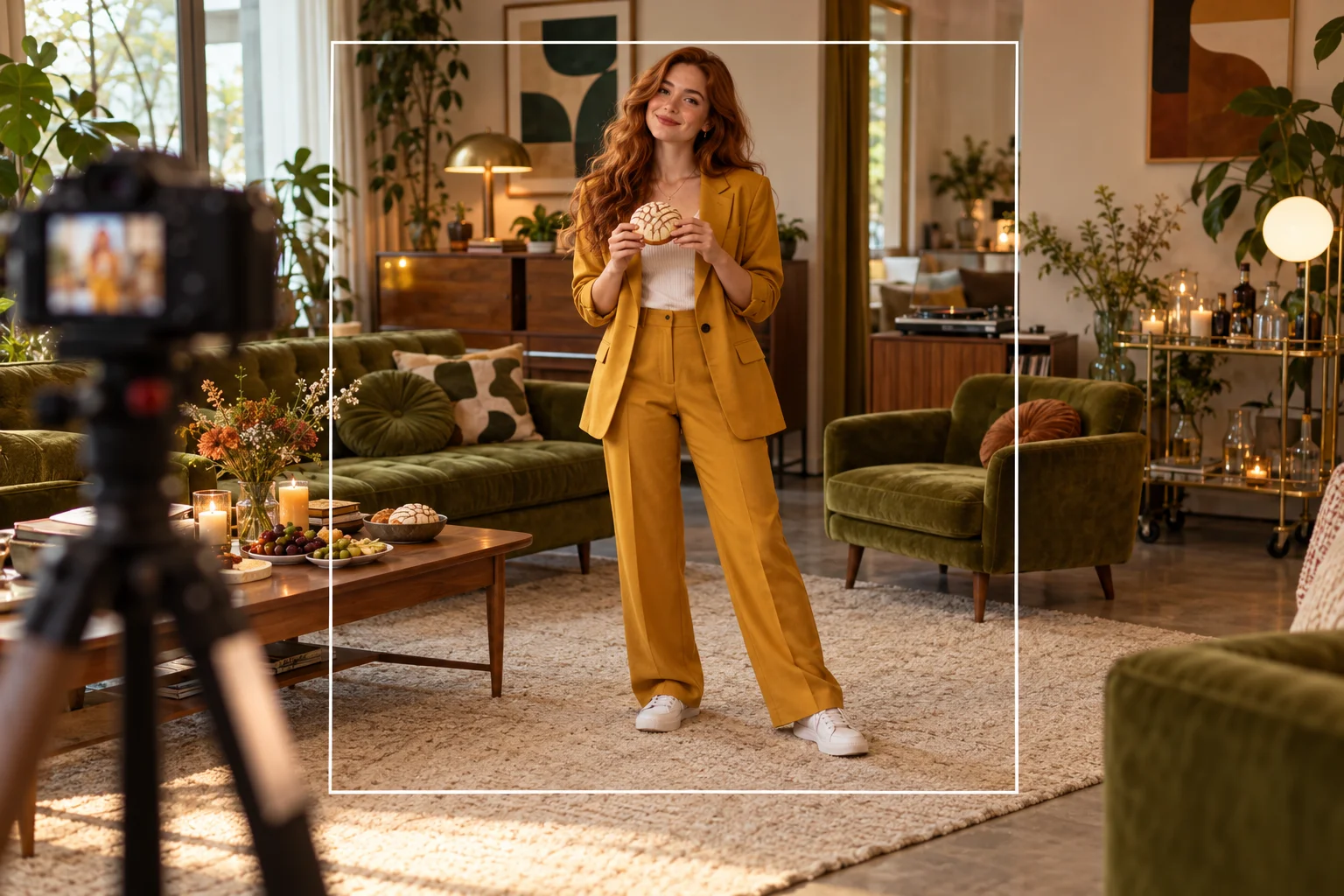
Review the dance, the bite and the still look separately, then watch the full clip again. Check whether the face and suit remain consistent, the hands hold a single bun and the feet stay understandable against the floor. Furniture should not merge with the body during the turn.
A useful result needs both an appealing opening and a clear ending. If the exit feels abrupt, adjust the direction toward smaller movement on the next attempt. Keep soundtrack selection and any caption placement in your own editing process; this page does not import a song or promise beat synchronization.
Let a familiar room make the introduction feel personal and approachable.
Use the camera stare as a separate moment in a larger edit.
Compare warm lamps and cooler ambient light while keeping the lead and action consistent.
One performer photo is required. You may add a short room or styling note. The page does not ask for a second person, a prop photograph or a replacement video.
No. The demonstration is displayed for explanation and is not a fixed motion reference in the request. Movement, framing and timing can vary.
The word is part of the effect name; the guide uses an adult party performer. You do not need a baby image to use this scene concept.
The form uses the current model quote for the selected settings. Purchase access and sufficient credits are required by the present catalog; no free or unlimited use is advertised.
The requested video is 15 seconds long, but generation time depends on the service queue. Check History for the actual task status.
It creates this short visual scene. It does not upload your track, arrange a full song timeline or add lyric captions. Assemble those elements separately after reviewing the result.
higgfield.cc · Updated