

Sheru Bhai AI Photo: Pose Beside a Calm White Lion
Create your Sheru Bhai AI Photo
History
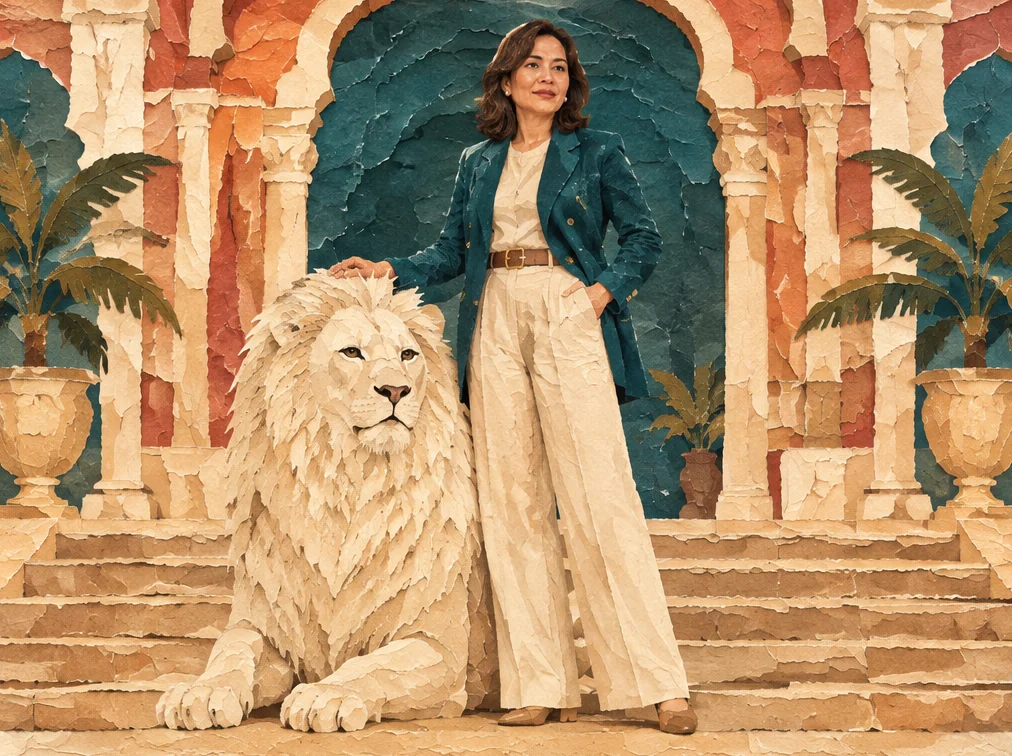
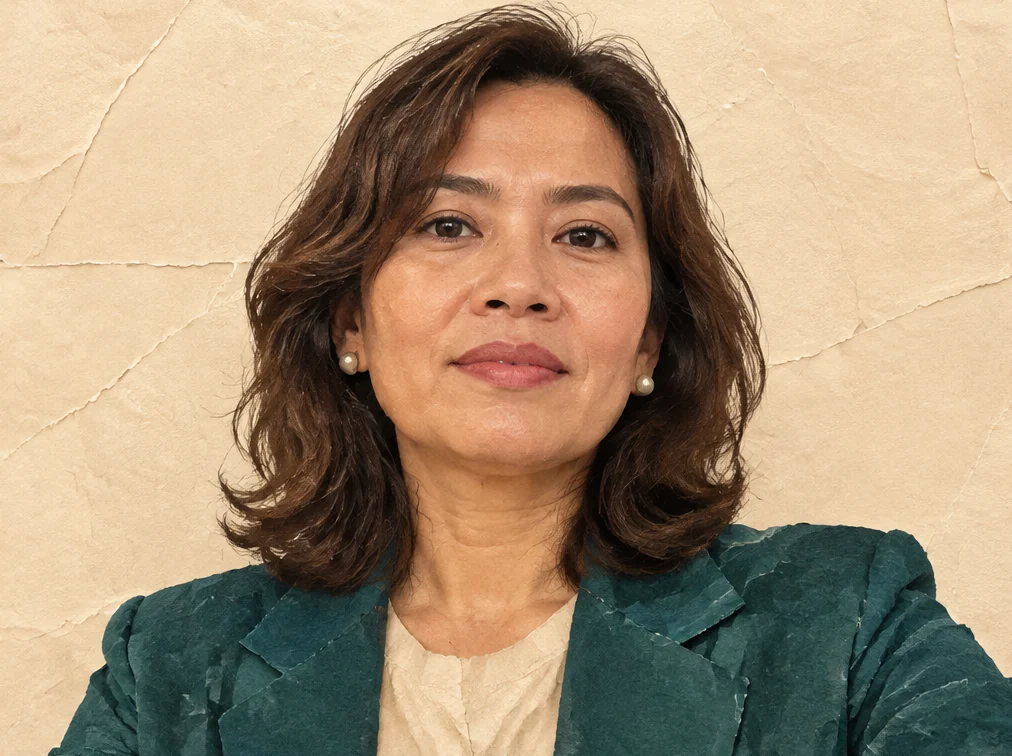
Sheru Bhai AI Photo is a portrait concept featuring a person beside a calm white lion as a friendly, regal companion. Upload one clear selfie in Image to Image, or describe a fictional person in Text to Image; choose a pre-filled prompt, edit it if you like, and start in the generator.
Create a bold paper-collage portrait
- Choose Image to Image to use a selfie, or Text to Image to describe a fictional person. The two modes have separate inputs.
- For Image to Image, upload one clear selfie with your face visible. For Text to Image, describe the person, outfit, setting, and mood.
- Review the pre-filled prompt and edit details such as palace steps, a desert road, or a studio backdrop. Keep the lion calm and unrestrained.
- Check the live credit quote before starting, then generate and review your portrait when it is ready.
From starting portrait to lion-side scene
Scene ideas for your portrait
- Palace-step entrance Pair a tailored jacket with broad palace steps and a composed, welcoming lion for a bold portrait concept.
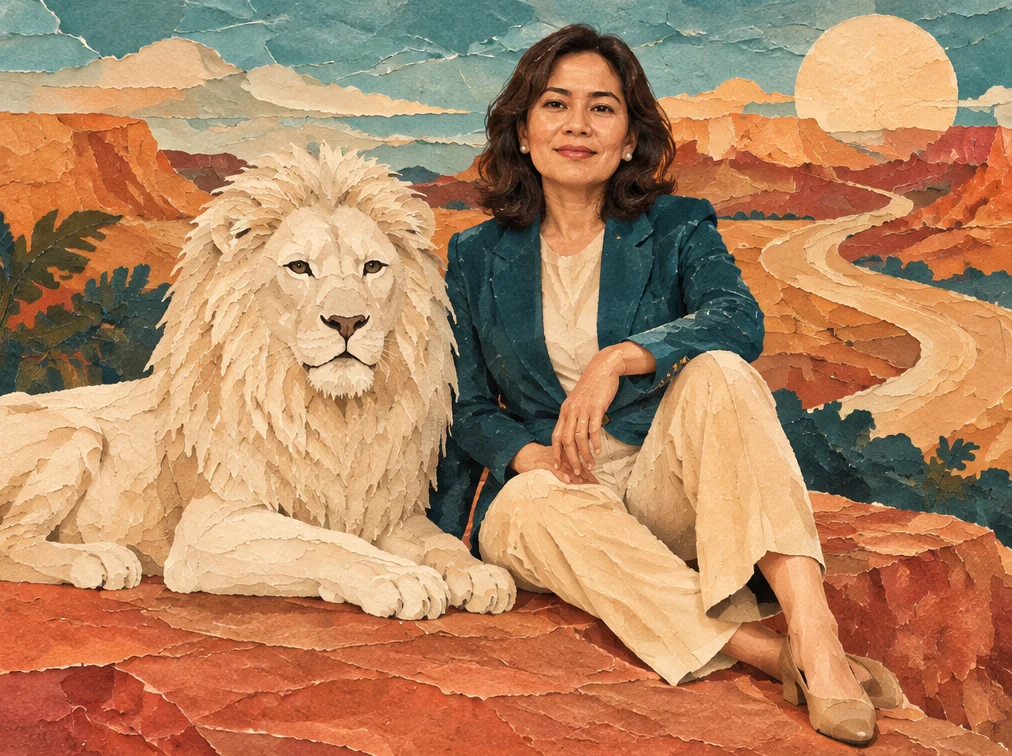
- Desert-road pause Set a seated pose against a warm, open road scene, keeping the lion close by but leaving respectful space.
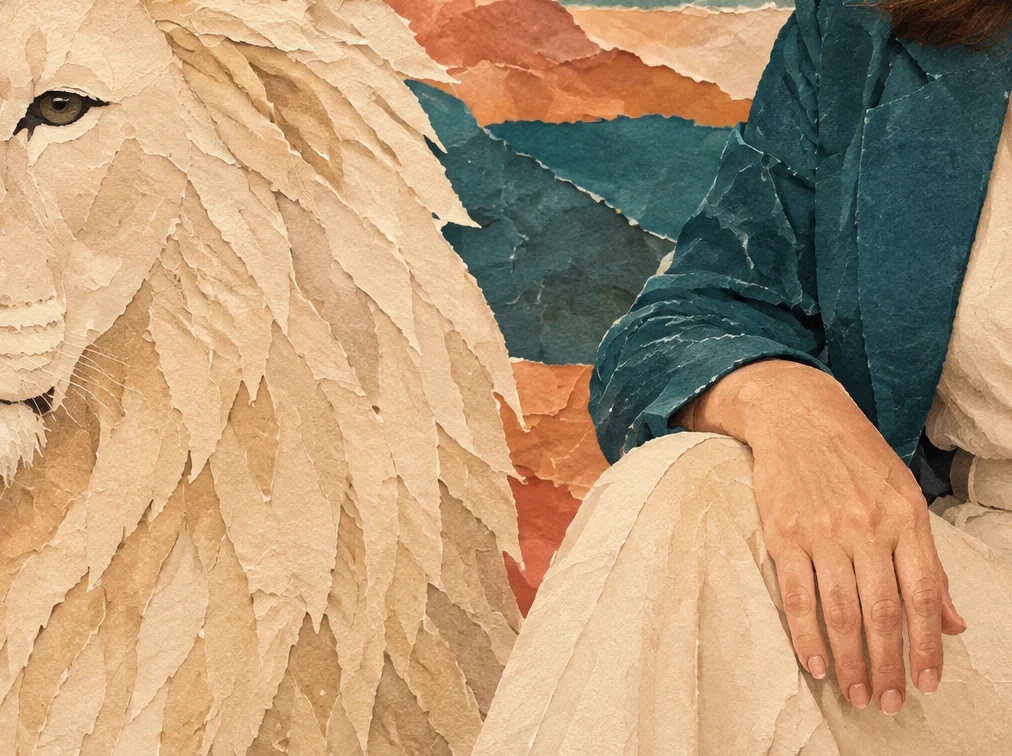
- Cut-paper studio portrait Describe a simple studio backdrop, sculpted paper layers, and a calm expression for a graphic, editorial feel.
Check your portrait before saving
- Confirm the person’s face, hairstyle, and skin tone remain recognizable.
- Check that the lion looks calm and is not chained, caged, ridden, or touched.
- Review the crop, lighting, and background for clear details and a natural-looking composition.
Common questions
What is Sheru Bhai AI Photo?
Sheru Bhai AI Photo is a portrait concept showing a person beside a calm white lion as a friendly, majestic companion. Use a selfie to guide the person’s appearance, or write a text prompt to create a fictional person.
Can I try it free?
Check the live credit quote in the generator before starting, then visit the pricing page for current plan details. Credit amounts and availability can vary, so rely on the quote shown to you.
What do I need to upload or type?
For Image to Image, upload one clear selfie and edit the supplied prompt if needed. For Text to Image, type a description of a fictional person and the scene; no upload is used in that mode.
How long does it take?
Generation usually takes a short wait, which depends on queue load. The generator will show the process as it runs.
How can I keep a white lion scene respectful?
Describe the lion as calm and keep the person beside it rather than touching it. Avoid chains, cages, riding, or any dangerous contact.
Explore related guides
higgfield.cc · Updated
See update history
- — Added a four-step portrait guide, respectful scene prompts, image references, and FAQs for the two generator modes.